Month: April 2026

  • Dev Diary April 10th 2026

    Dev Diary April 10th 2026

    More Cobbleverse Chatter

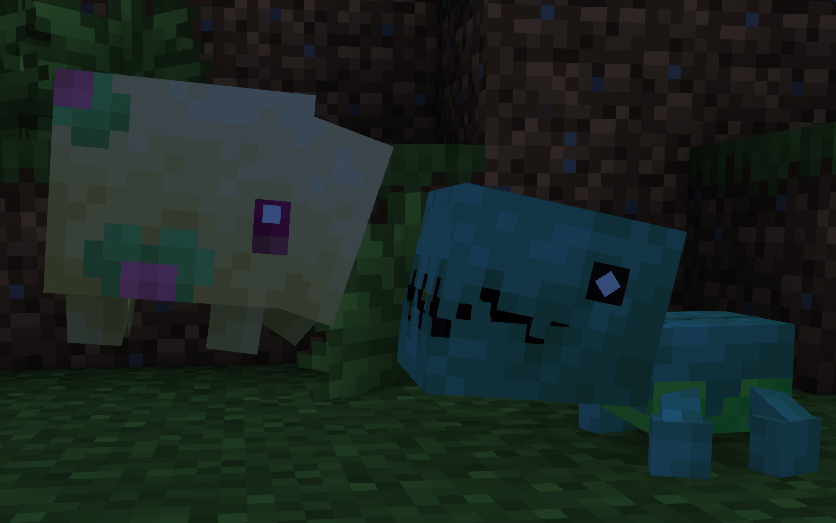
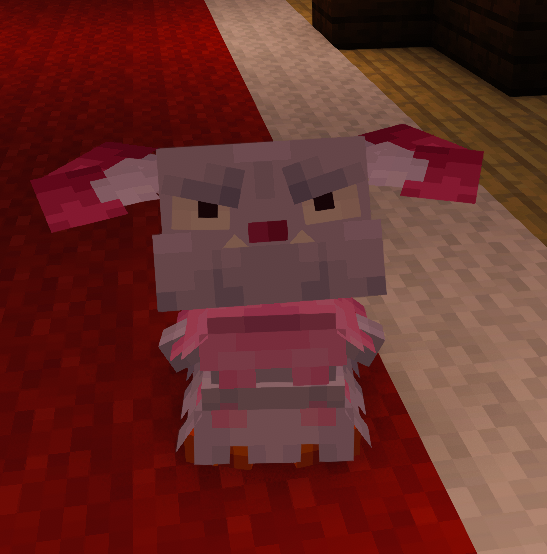
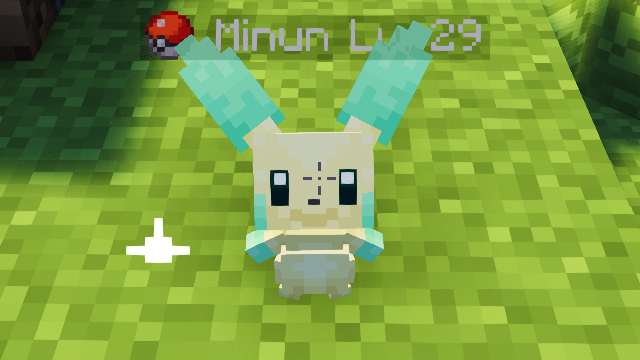
    The makers of Cobbleverse recently released a new update to their mod pack with a range of new features. The update focuses on fine tuning server performance and adding some QoL features to the game.

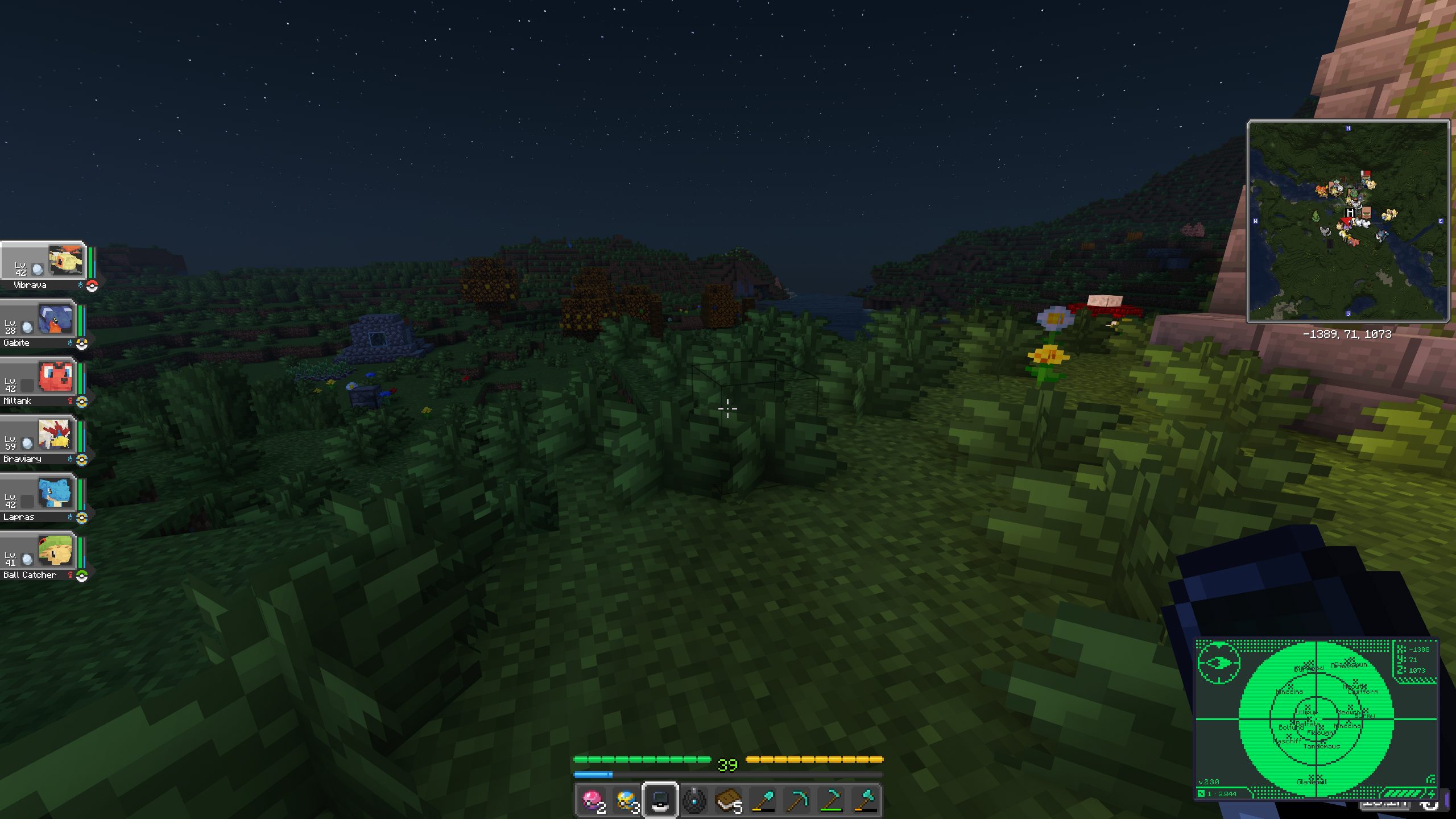
    Weeb’s Web’s server is now updated to the latest release (1.7.31) and the performance benefits are HUGE! Lumyverse releasing a performance update right after we set up a new server is absolutely wonderful timing. Players have reported that they can fly on a Killowatrel at full speed without ever breaking past the chunk rendering.

    Ragnarok Infrastructure Upgrades

    I talked about this in the past but I plan on making major changes to our wRO server. I want to be able to make a permanent, grindy long term progression server based on Pre-renewal and then set up some high rate seasonal servers for different events. This means it’s time to get our Ragnarok infrastructure up to snuff for the changes. I need a solution that meets the following criteria:

    • Modularity and easy creation of new servers
    • Shared login between all wRO servers
    • Ease of management for simple tasks
    • Ability to give other moderators management capabilities

    The solution to this is to utilize our Pelican server infrastructure. Pelican containerizes game servers and uses a template system to server creation. This makes it simple to press a button and spin up a new server. We’ll create variables in pelican to specify where the Databases are for each server thats spun up and we’ll point every server to the same login database so that a users account works for all servers. Pelican also supports file mounting which we can use to keep config persistent across server reinstalls. Also, my moderators are familiar with Pelican since we use it for our other games and can help manage the wRO servers. This frees everyone up more to keep working on features for Weeb’s Web!

    So What’s the Status of this?

    Good news! I have successfully created a template (Pelican calls these eggs). That lets me spin up an rAthena server in one click! This was SIGNIFICANTLY harder than I thought it was going to be. At first I tried creating a simple debian docker container, using git to download rAthena and then compile the server binaries inside the Pelican install script. This takes way too long and Pelican eventually shuts the process down due to a hardcoded timeout.

    So if compiling the binaries in Pelican is a no go, we’ll just have to precompile the binaries. This was a TASK! I tried doing it from a debian container in Proxmox but that container had different versions of the libraries than the debian container that Pelican uses. So I pulled that debian container via docker and compiled the binaries on my computer but the debian container I used was missing a library. This meant that I had to make my own docker image of a debian container with the right libraries installed.

    To do this I forked the container images from Pelican’s github, cloned them to my computer, made a copy of the debian container’s dockerfile, added the libraries I needed to the dockerfile, modified the workflows to include this new image, then pushed these changes to my own github fork. What a mouthful.

    But wait! There’s more! I then had to pull that new debian container image (dubbed debian-rathena) down to my computer via docker, fork the rathena github, clone it to the docker container, compile the binaries, then push them to my forked github repository.

    And the result? A one click solution to spinning up rAthena in Pelican! With this, we now have the groundwork to make MASSIVE upgrades to wRO way faster than we would have before. We still have some work to do though. I’ve got rAthena spinning up with default values. The next step is to configure variables in the egg to point the servers and databases to their respective locations. We’ll also need to mount config files so that they persist but we’ll do that after spinning up the servers.

    Thanks again to everyone for showing me your support! I love building these projects and the joy I see in the Weeb’s Web community brings joy to my life.
  • Dev Diary April 2nd 2026

    Dev Diary April 2nd 2026

    The Gamers Yearn for the Mines

    I recently spun up a new vanilla + server and a Cobblemon server based on the Cobbleverse mod pack. Big thank you to the maker of that. I’ve never hosted a heavily modded Minecraft server before so it suffices to say it’s been a learning experience. For this post we’ll dive into the challenges, fixes, and roadmap for the new Cobblemon server as well as the changes to Weeb’s Web infrastructure that became necessary with such a demanding game.

    Gotta Lag ’em All

    I’ve hosted tons of games on my old enterprise workstation that I installed Proxmox on. Before Cobblemon it had a test and prod Ragnarok Online server, a V-rising server, a Palworld server, and a Vanilla + Minecraft server all running simultaneously along-side all my other home lab containers. I have never felt the age of my server until setting up Cobblemon.

    For those that don’t know, Cobblemon is a mod for Minecraft that adds all 1000+ Pokemon into the game as well as Pokeballs and other pokemon items and structures. Cobbleverse is a mod pack that bundles Cobblemon with a ton of enhancement mods to bring in gym challenges, trainer battles, a market and much more. Needless to say this is a ton of overhead on top of a Minecraft server. Not to mention Minecraft isn’t the most optimized game to ever come out to begin with. With just a few people and some time in game, we started to see a couple seconds of lag. In peak times of 15+ players online, we can see up to 11 seconds of lag. That’s pretty much unplayable…

    Time to Optimize!

    What do we do when our infrastructure can’t keep up with our players and we’re on a budget? We optimize! I’ve spent the last week and a half or so trying to make the server as efficient as possible. Here’s what we’ve done.

    • Removed all client-side mods from the server install of the modpack
      • Things like Iris Shaders are only needed Client side and hog the server’s already limited resources
    • Shut down all other game servers operating within the same container as the Cobblemon server
      • No one’s playing them right now. I plan to rebuild them in their own containers
    • Pinned the container to specific cores on the CPU to prevent instructions from core hopping constantly
    • Reduced the number of cores to 4
      • I thought throwing CPU cores at it would help but Minecraft runs mostly single threaded so the extra cores were actually hurting performance
    • Reduced the RAM from 16GB to 12GB
      • I know this sounds crazy but Minecraft can actually have too much RAM. This is because it will fill anything it doesn’t need with garbage data and then the garbage cleaner has more data to process when it cleans. This can cause micro stuttering and lag.
    • Set the CPU’s power governor to Performance/Turbo so prevent the CPU from entering a power saving state and max clock speeds.

    Despite ALL of this… the server still lags. It seems to be directly tied to the CPU. My server is old. It’s got a Xeon Processor from 2013, DDR3 RAM, and a 2.5in SATA SSD. I’m honestly surprised that this is the first thing I’ve done that really shows the server’s age.

    So is all Hope Lost?

    No! Thanks to everyone that’s donated, I was able to afford a new server! This is going to be a super budget build but I’m expecting at least twice the performance of the old server. The plan is to spin this one up along side the current server and use it for games and media only. It will be the powerhouse for demanding services so I can keep the rest isolated on the old server. Cobblemon will be the first thing to migrate to it.

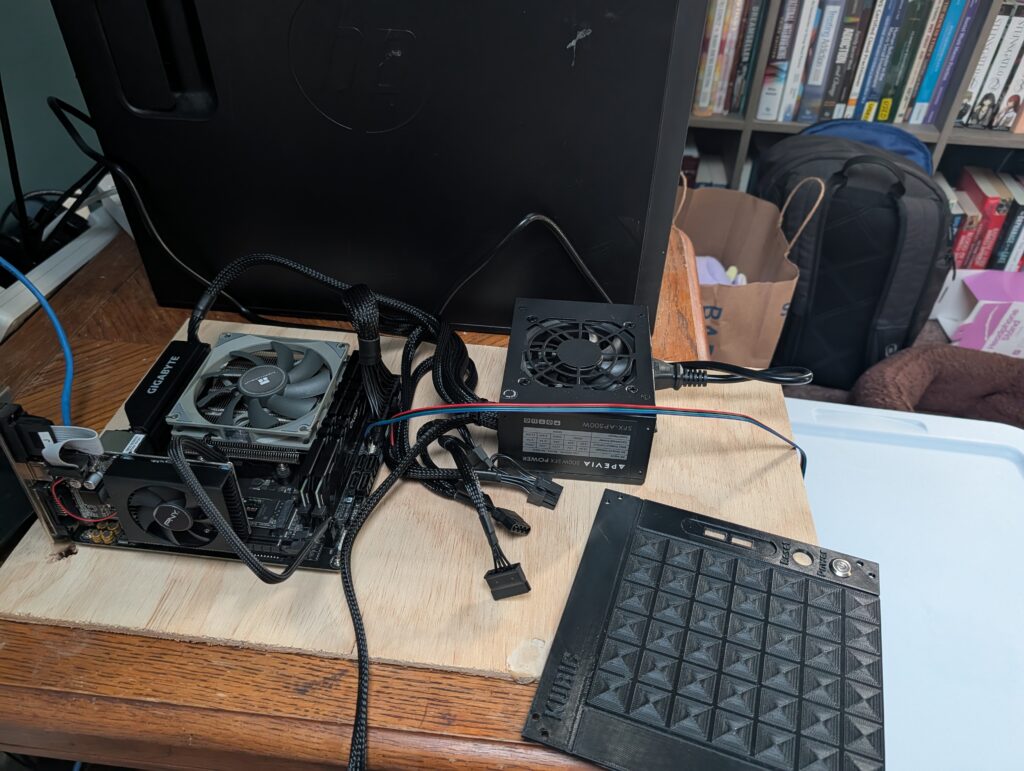
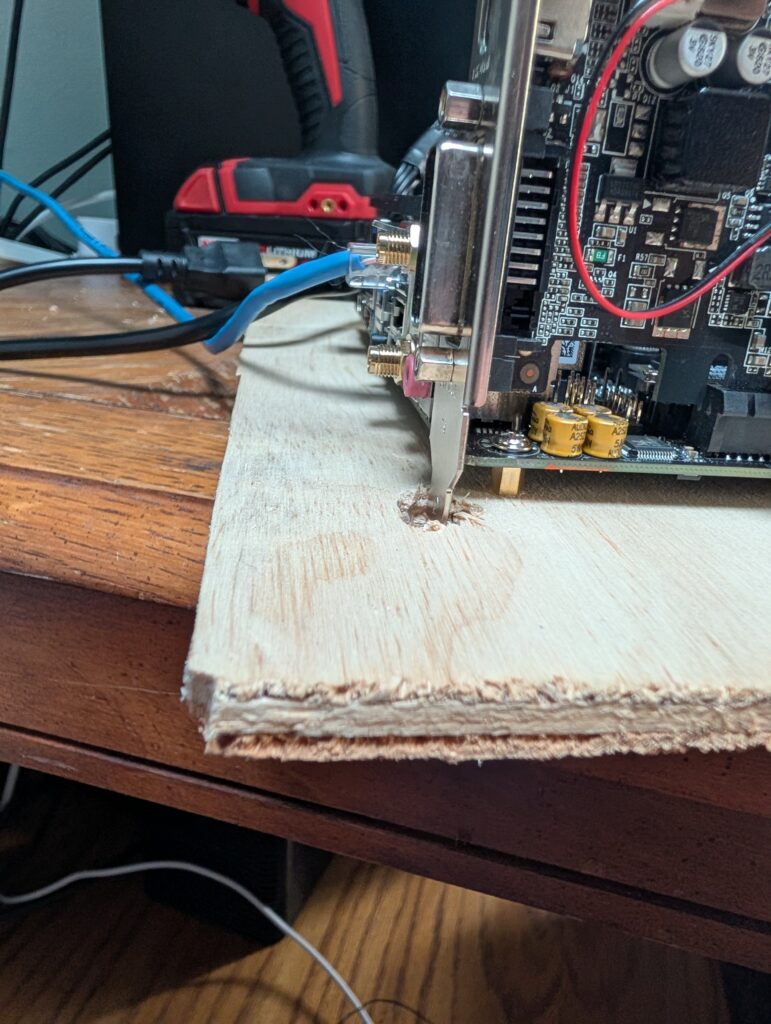
    The new server is a mix of parts I had laying around and things I’ve been able to purchase thanks to the donations of everyone enjoying Weeb’s Web. Here’s the specs:

    • Ryzen 5 4500 CPU
    • 16 GB DDR4 RAM at 2666Mhz
    • 2TB Gen 4 NVME SSD
    • 2GB Nvidia 710 GPU
    • 650W PSU
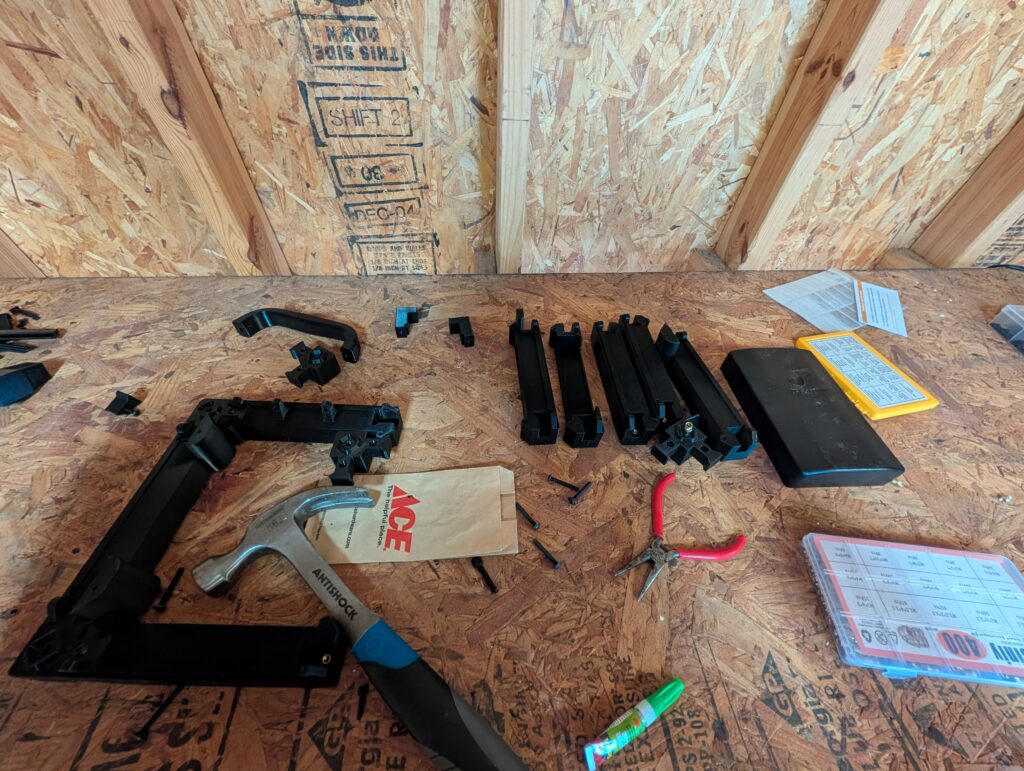
    • 3D Printed ITX Tower

    So it’s not going to give Bezos a run for his money but it’s a HUGE upgrade for Weeb’s Web. I should have the last pieces I need tomorrow and then I can finalize assembly.

    I cannot stress enough, Thank you to everyone for donating. This wouldn’t be possible without you!

    Let’s Get Back to Minecraft!

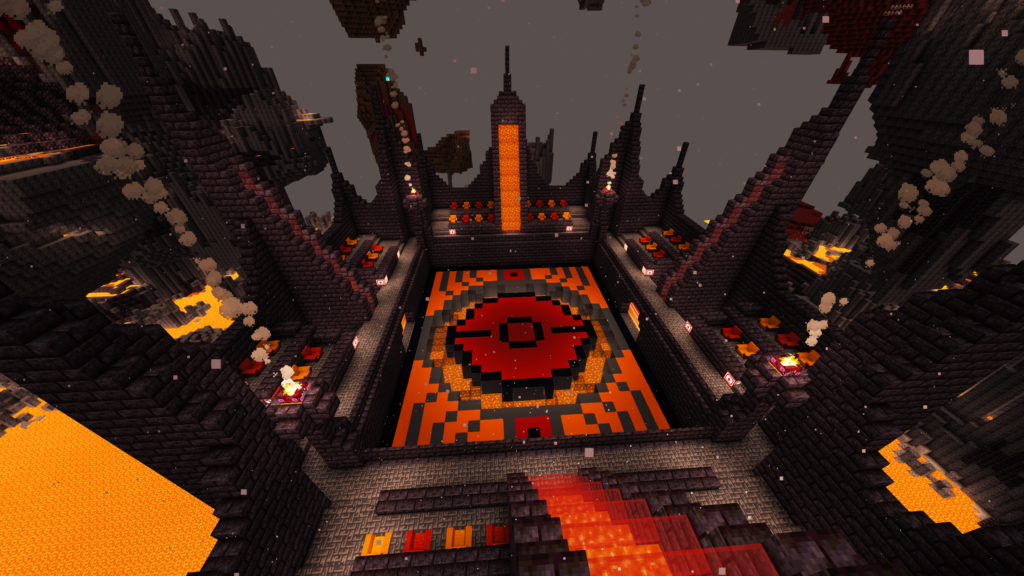
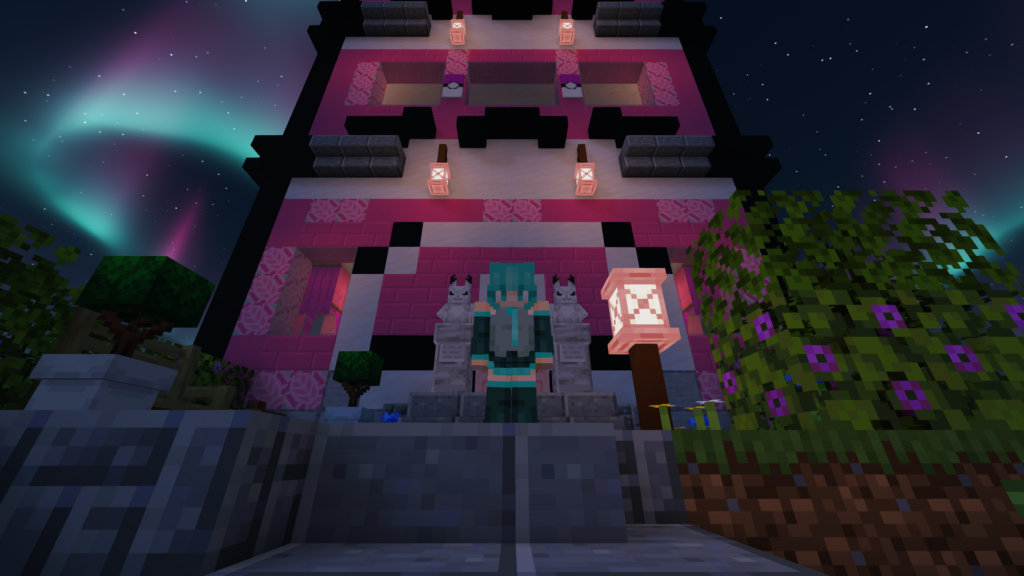
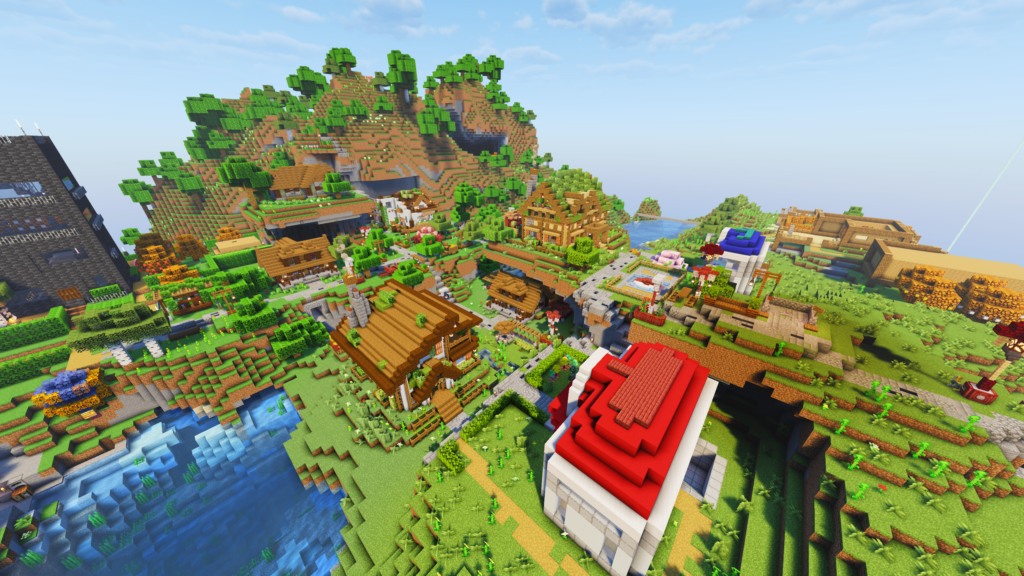
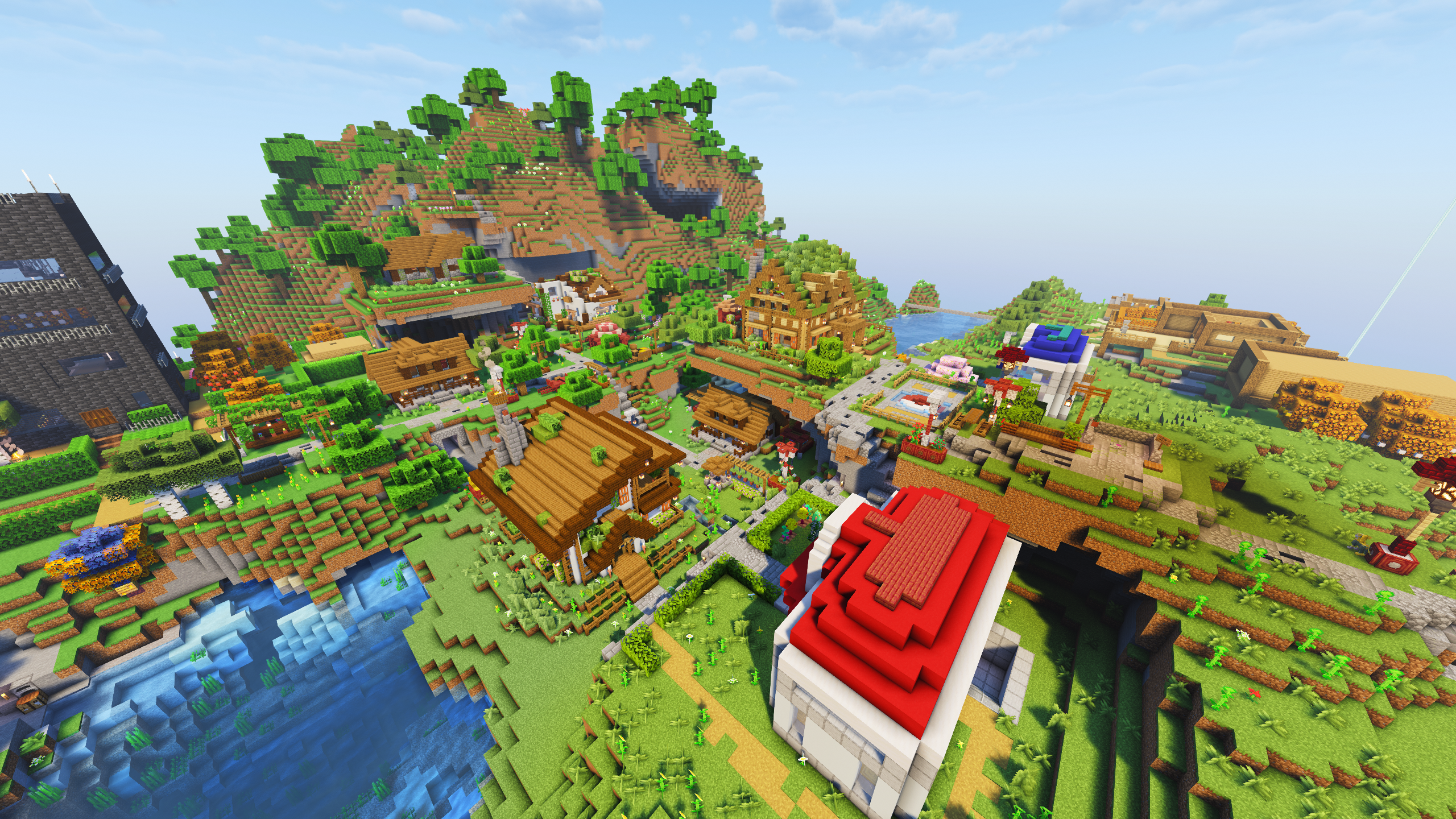
    So what does this Cobblemon server offer? Glad you [didn’t] asked! We’ve been hard at work making it as enjoyable an experience as possible! A big thank you to all that have helped in large scale building projects (looking at you Darth <3)! Because of everyone’s assistance, we’ve made some really cool structures. We have the PokeLove Hotel, a massive hotel the size of a Chunk designed to allow persistenly loaded breeding and pasturing! Feel like fighting? Come to our hub in Four Island and get teleported to a massive building hovering in the sky known as the Arena Hub. Here you can teleport directly to other player’s homes or any gym’s that other players have discovered. Fancy some PvP? Take the other waystone to the Fire Arena! This is a massive build by Darth that really makes you feel like you’re the star of the show!

    Soooo… Is that all?

    Fuck no! We’ve got plently planned and we’ll keep on going as long as people keep on enjoying it! Here’s what we have in the works for now:

    • More themed PvP Arenas
    • A special location for farmable EV Training
    • A complete rebuild of our hub town (Four Island) by our player base
    • A PvE battle tower
    • and more

    We’ve got stuff happening all the time so come on out and enjoy yourself! It’s too much fun not to share!

    THANK YOU FOR ALL YOUR SUPPORT

    I plan to make some changes to the Ko-Fi page eventually to help facilitate upgrades as we need them. I want to say that I NEVER WANT ANYONE TO FEEL OBLIGATED TO DONATE! I do this for fun and fellowship first! If I could build a new server for free, I would. That being said, this stuff costs time and money and the new server ended up being about $300 out of pocket even with donations so I have to accept donations when people want to give them. I want to add some transparency to how these donations actually benefit you as the player. To do that I plan on adding the following to the Ko-Fi Page:

    • Donation Goals that show the actual hardware I plan to buy
      • This is not to make you feel obligated to reach the goal. This is so you can see exactly what you’re putting your money towards. I want you to know that you’re not just giving me money, you’re investing in Weeb’s Web and your own experience as well.
    • Monthly donation options
      • This is not to make anyone pay yet another sub. You can donate as little as $1 a month (or nothing at all). This is just an option for people that want to contribute but one time donations are too large to fit into their life.
      • There will be no tiers or rewards associated with this. It’s just an alternate way to donate if you’d like.

    There’s no way I could have bought all the parts for this new server without the support from all of you. I’m fulfilled just knowing that I’ve created a space for people to relax and enjoy themselves. Seriously, thank you to everyone for supporting me in this.